First log in corporate profile in Google Chrome
Select language
Only Google Chrome with your corporate profile should be used to access EMCD services and applications.
If you do not have Google Chrome – download and install it.
Download
01
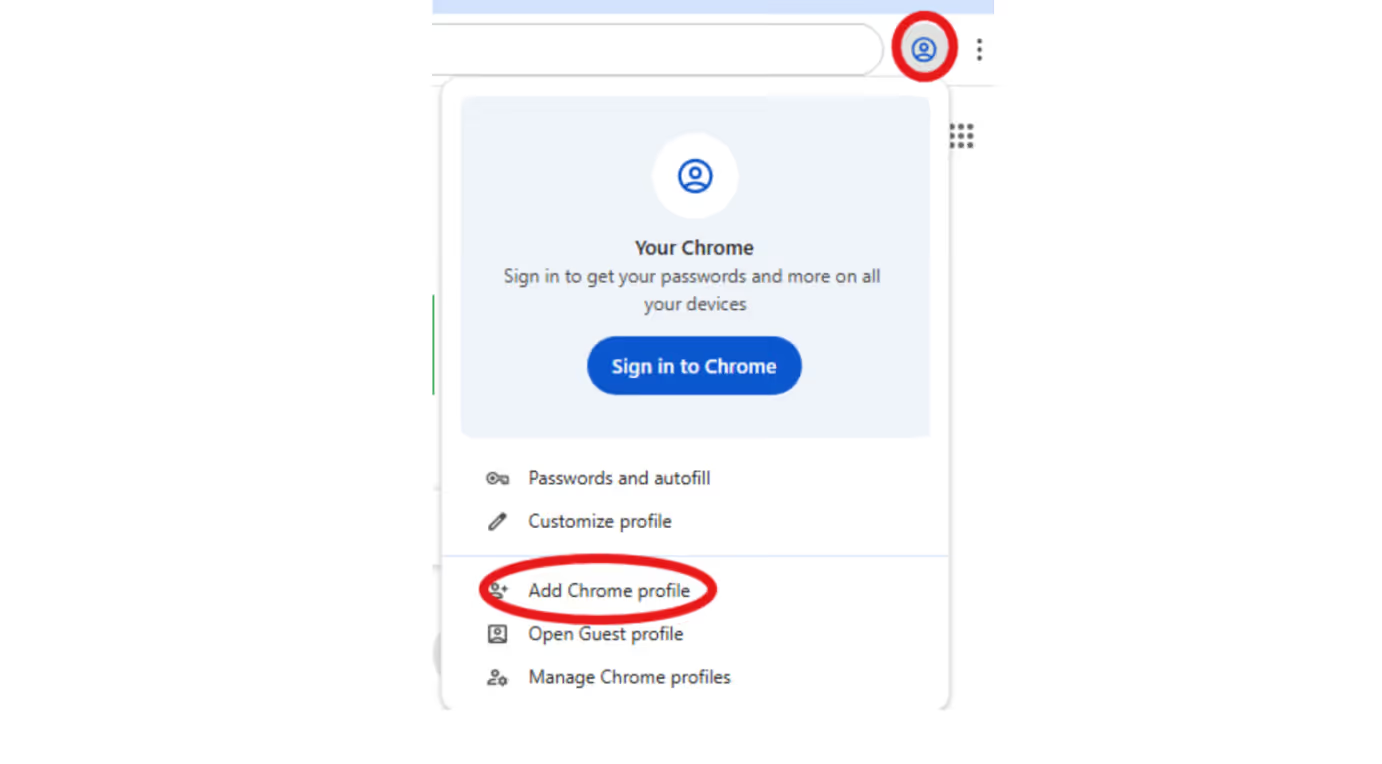
Create a new Chrome profile
02
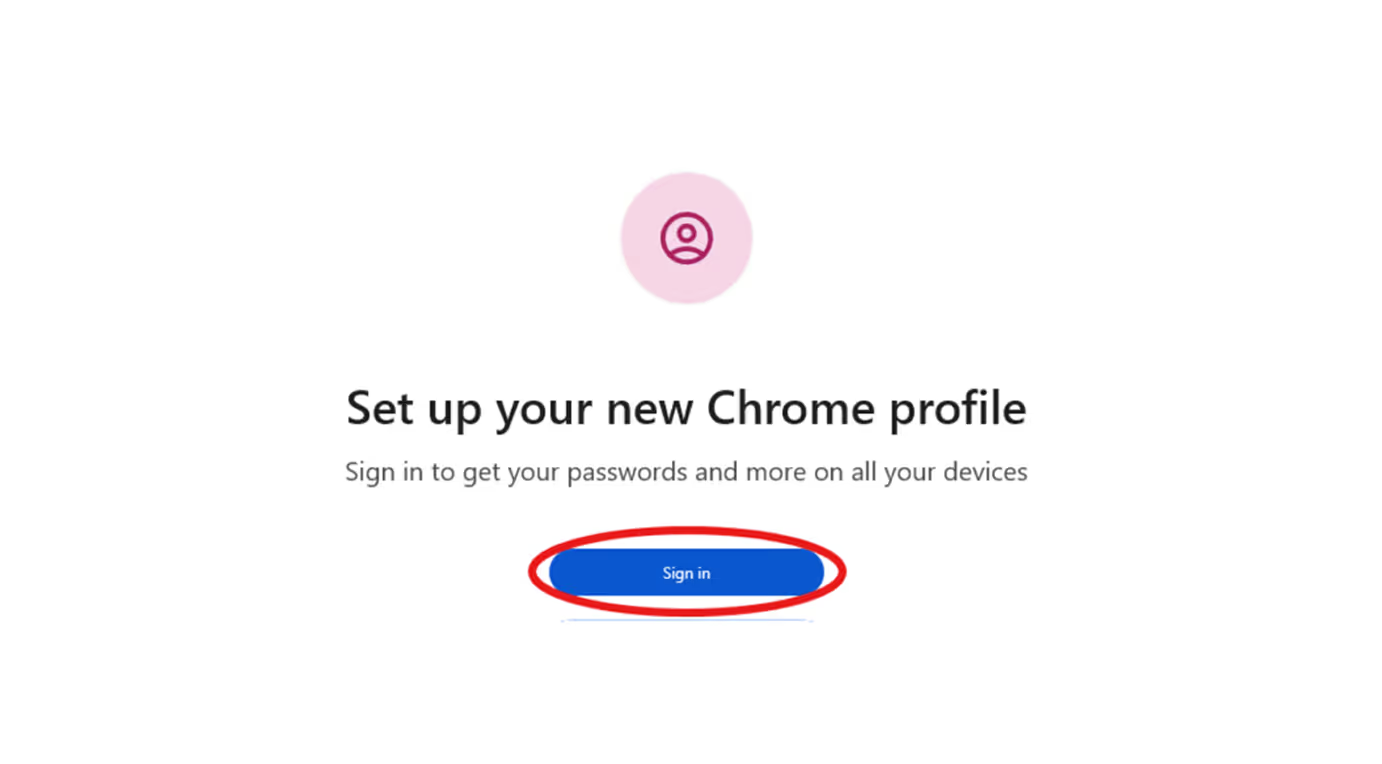
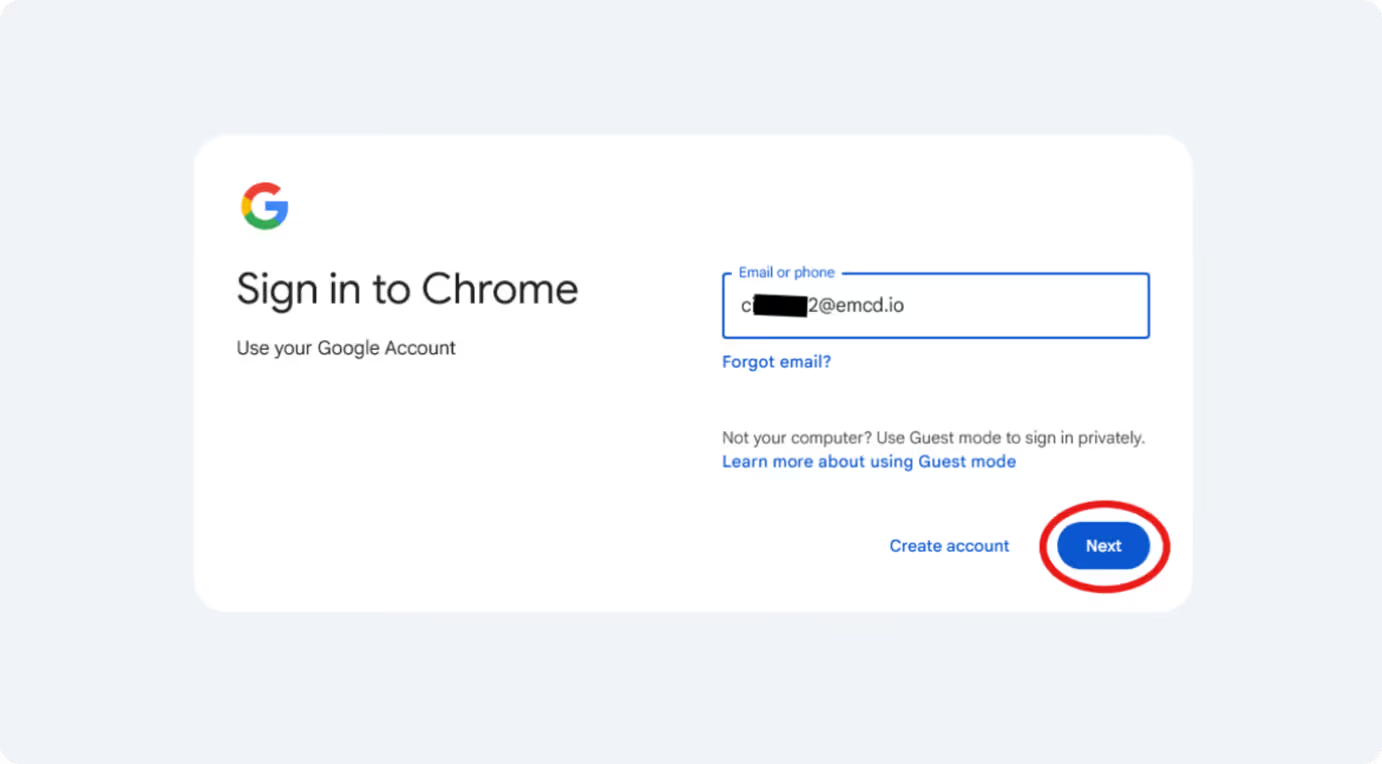
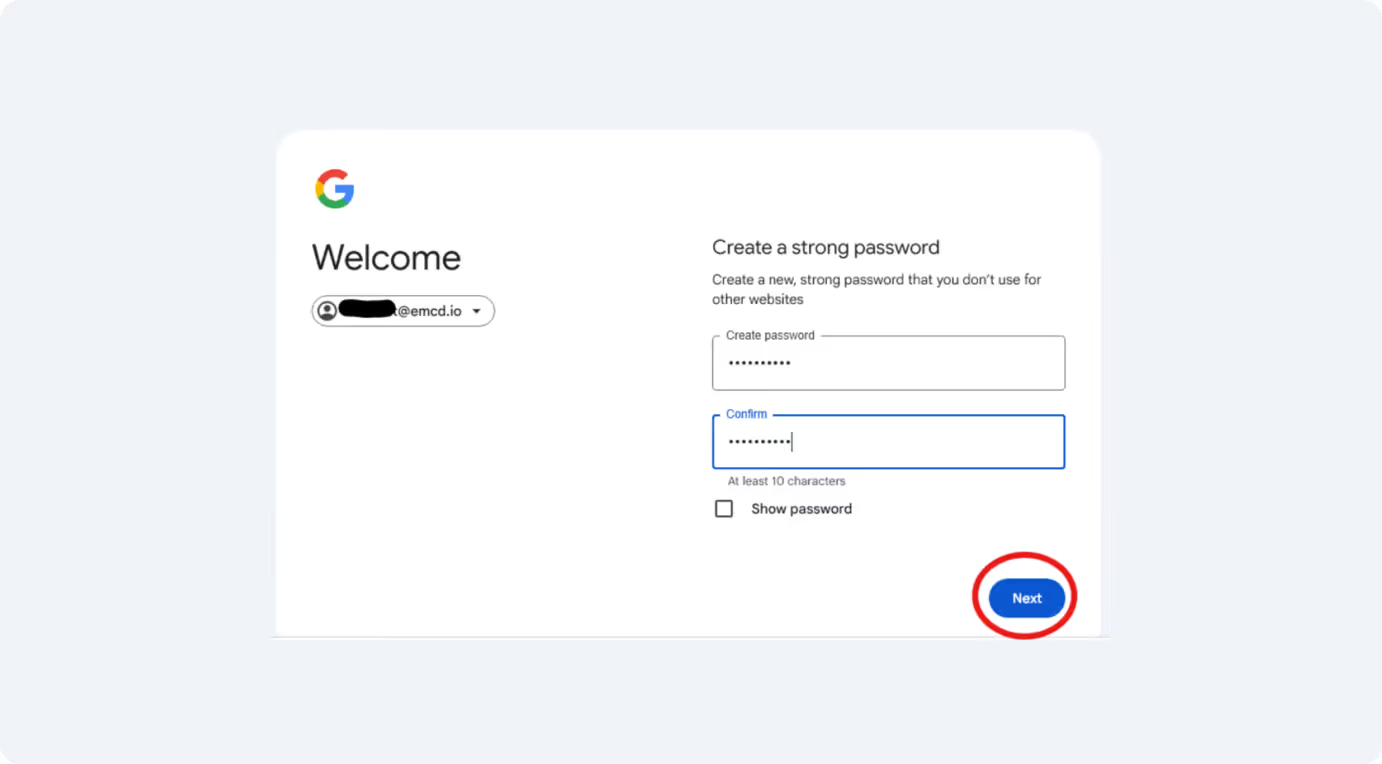
Sign in using the corporate email and password provided to you
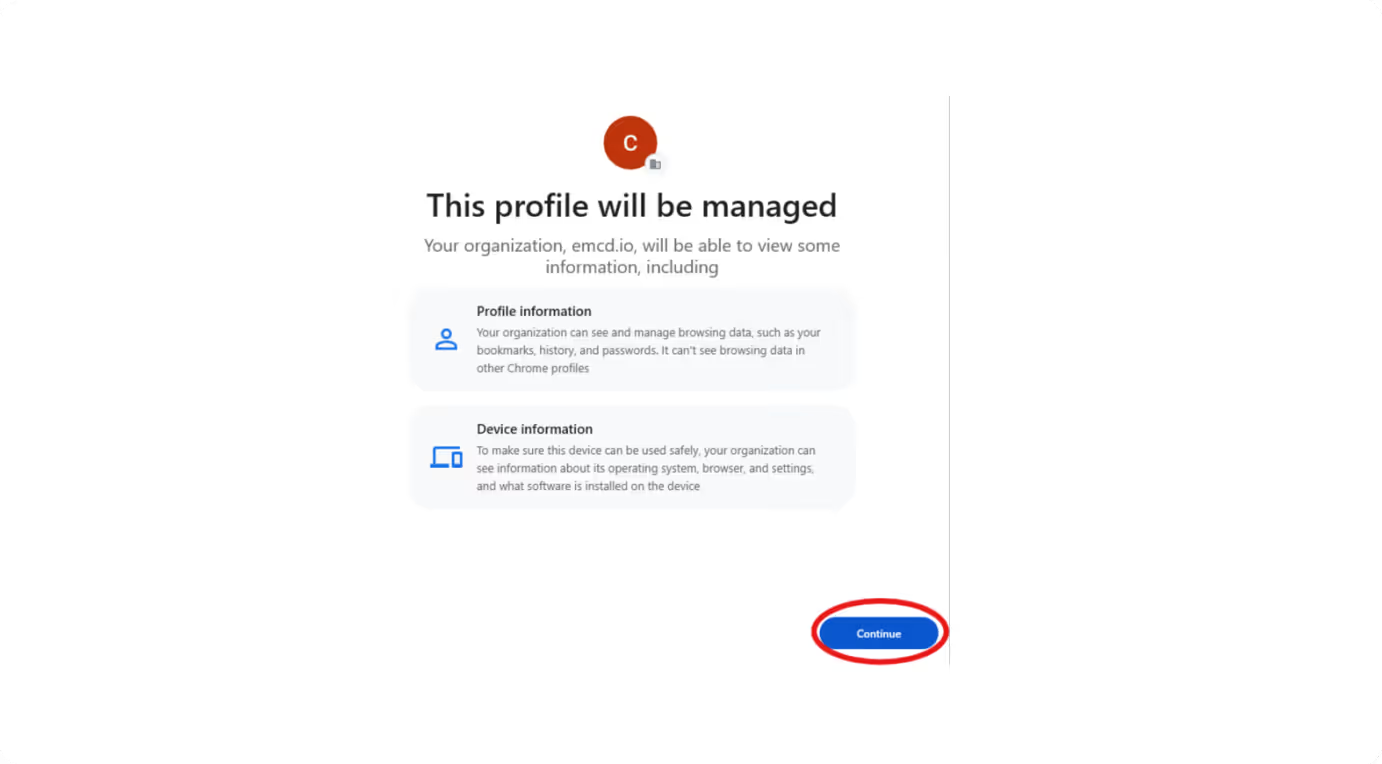
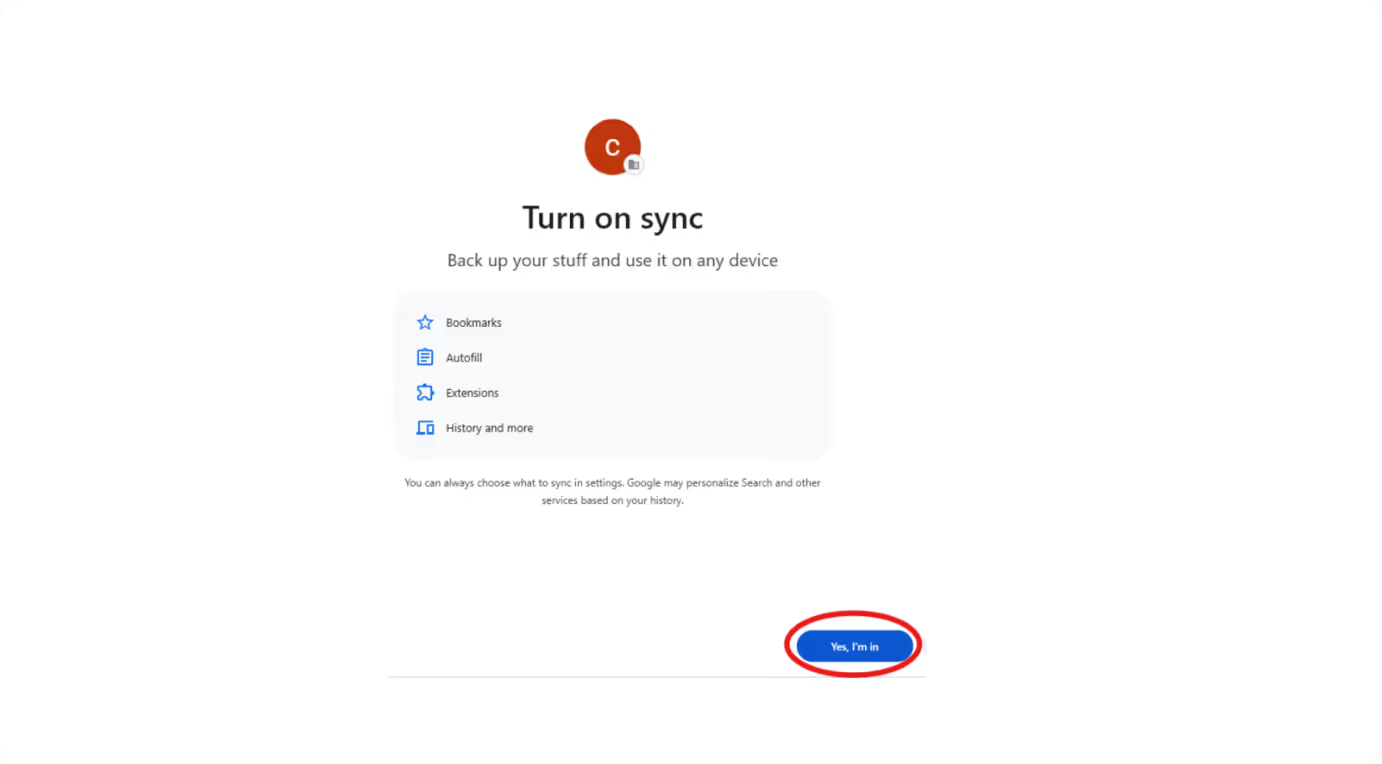
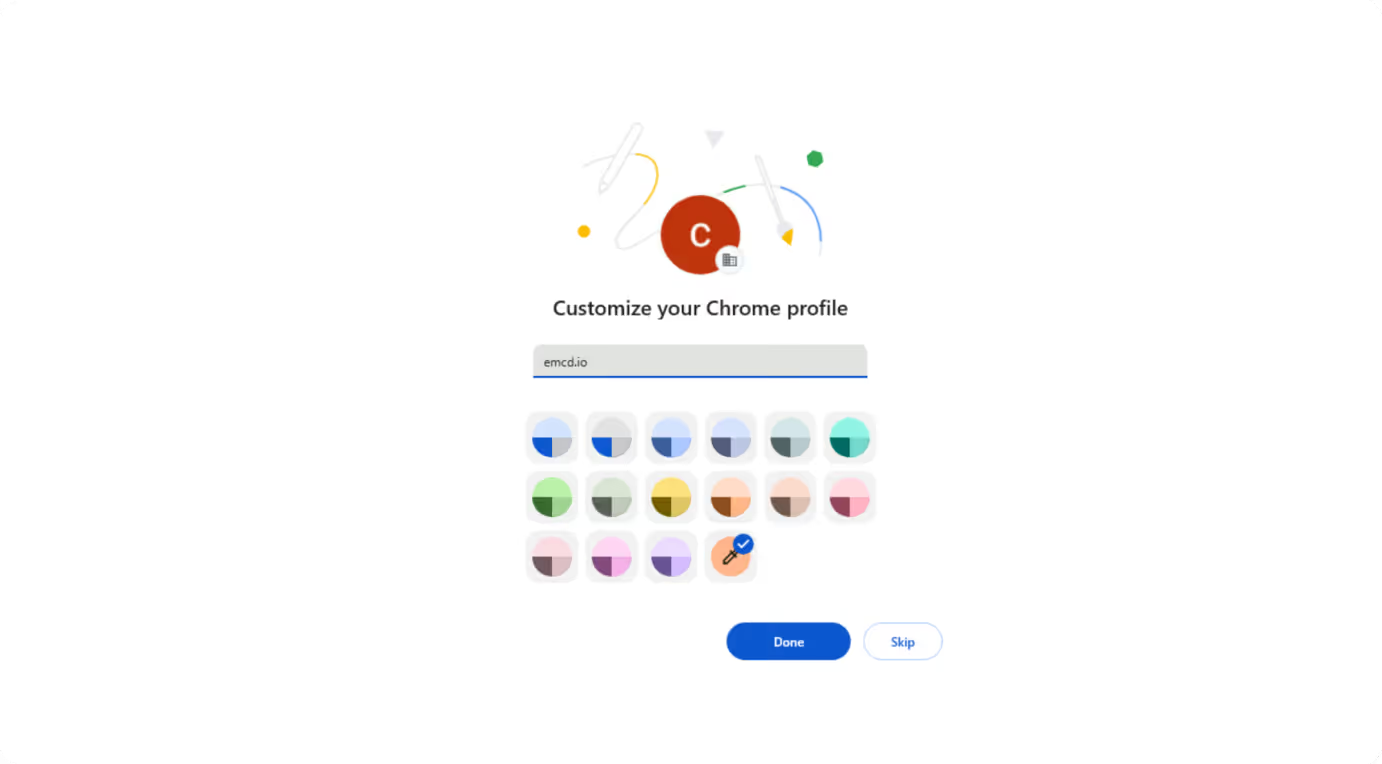
03
Open Customize profile settings
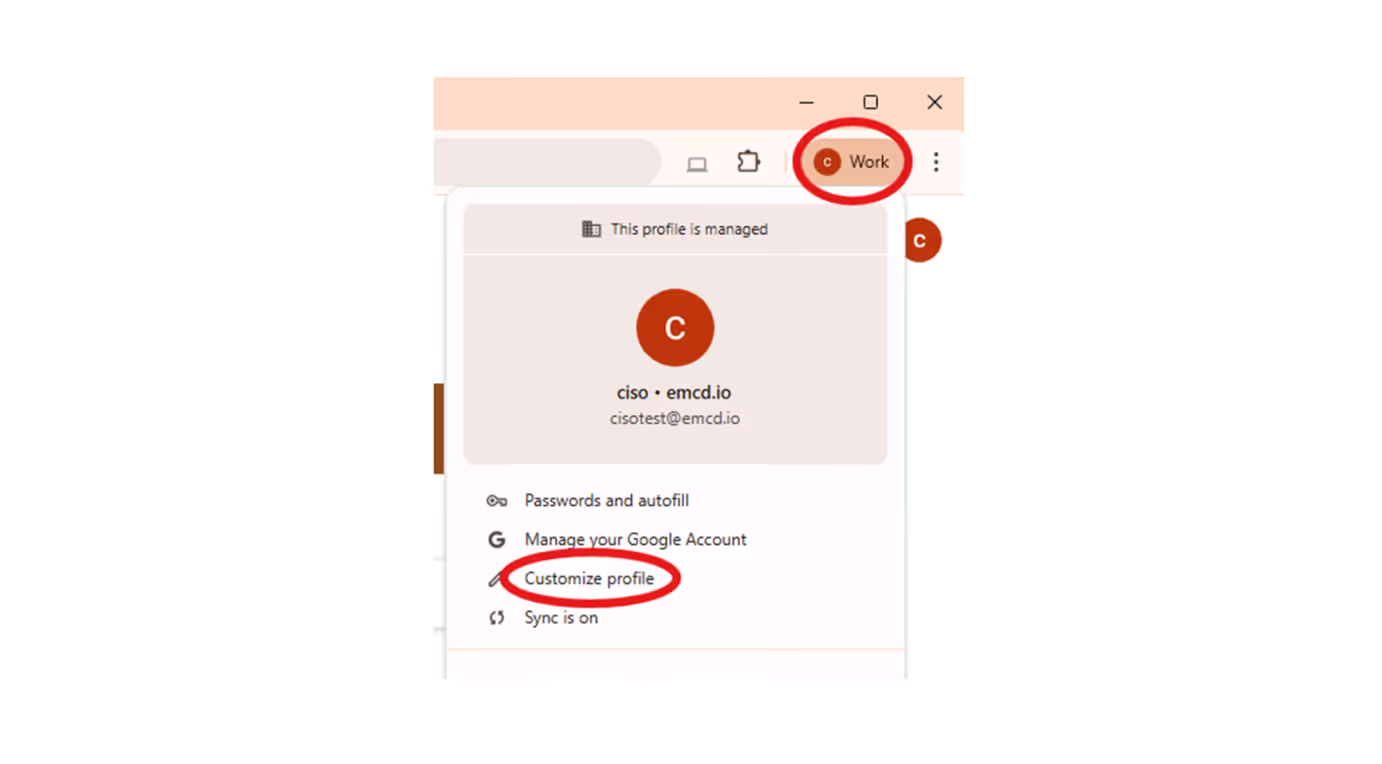
04
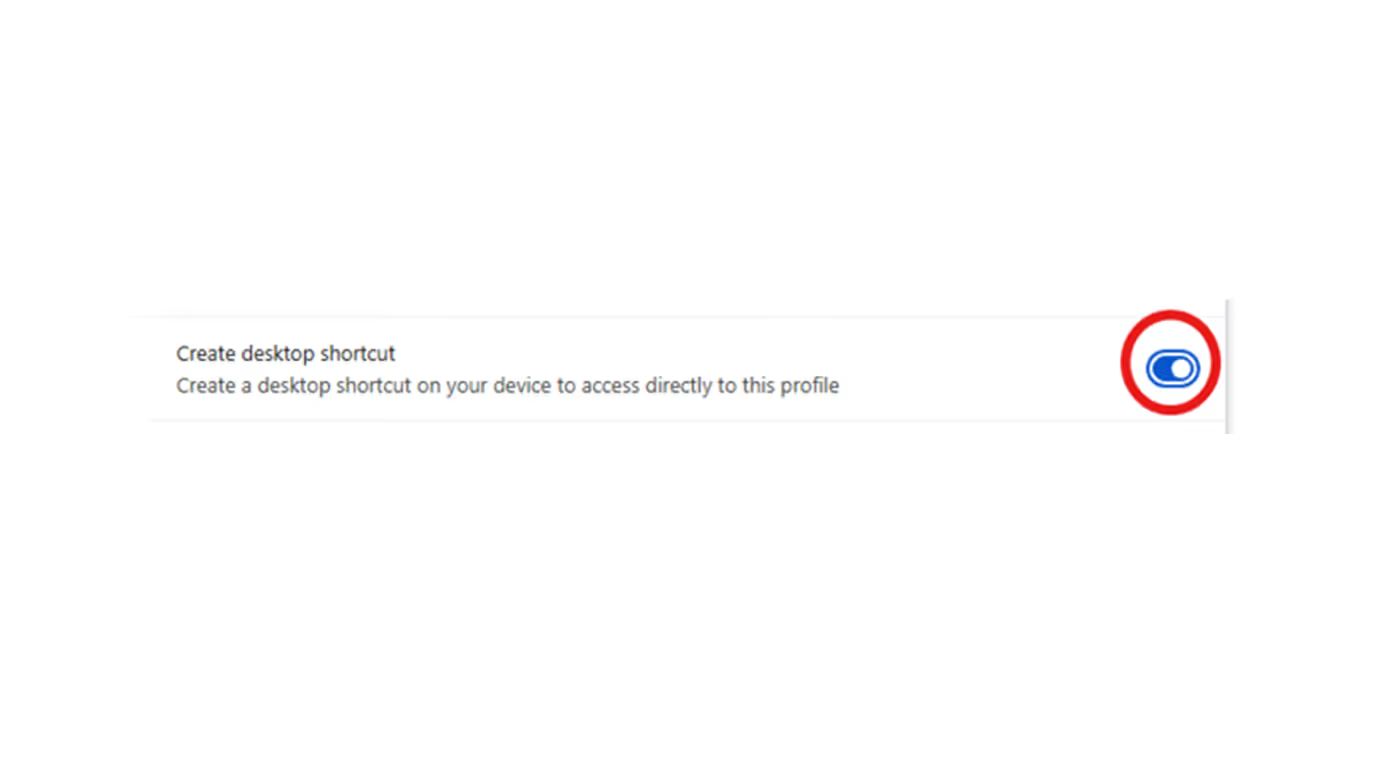
Scroll down and enable Create desktop shortcut to add a shortcut to this profile on your desktop
05
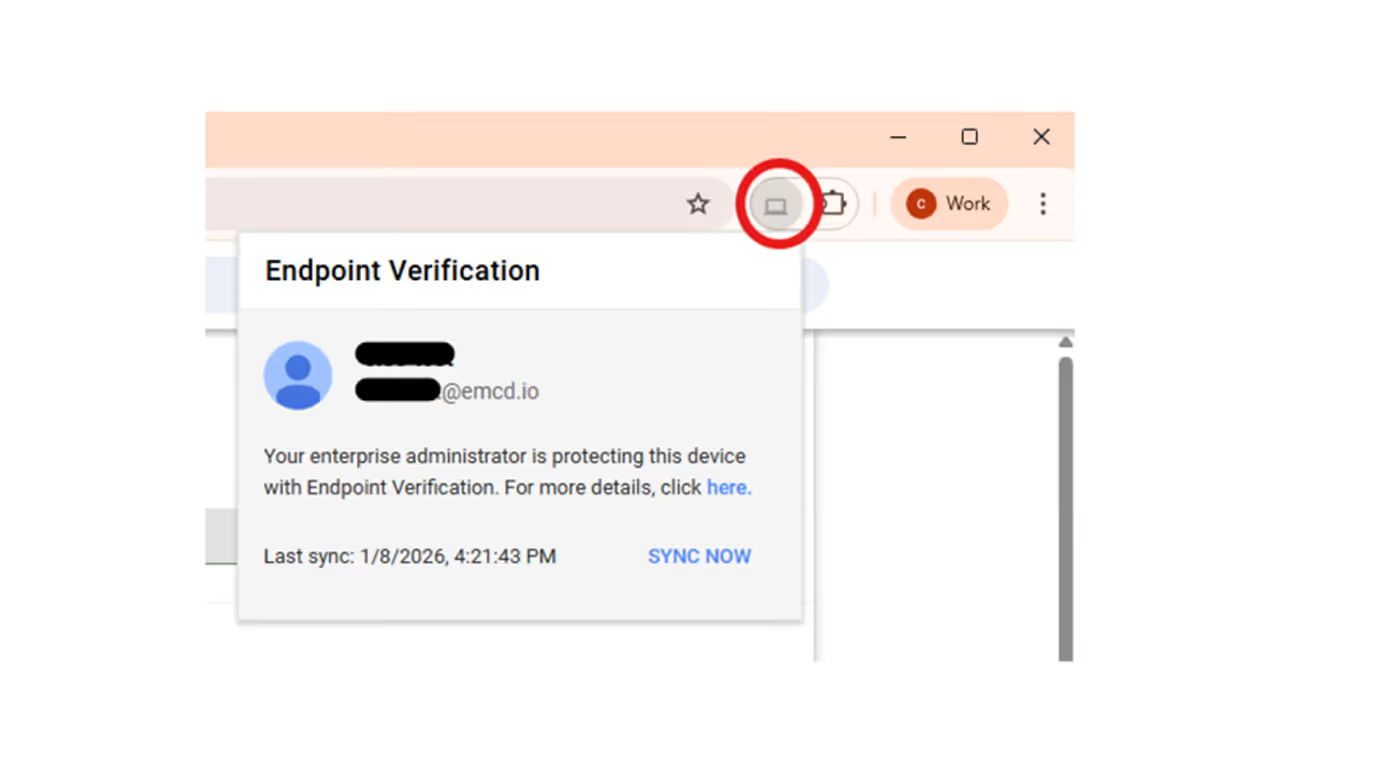
If everything is configured correctly, the Endpoint Verification extension icon will appear near the address bar.
Now please navigate to Gmail.com to open your corporate email
We are here to help
If you run into any difficulties while setting up your Google Chrome, please contact our Security Manager. He will help you resolve the issue or point you to the right person.

Oleg Komarov
Security Manager