Filling out HiBob Profile
Select language
HiBob is our HR system - it stores info about employees, roles, vacations, and even birthdays.
Just set up your profile once, and it’ll be way easier for your teammates to find you.
01
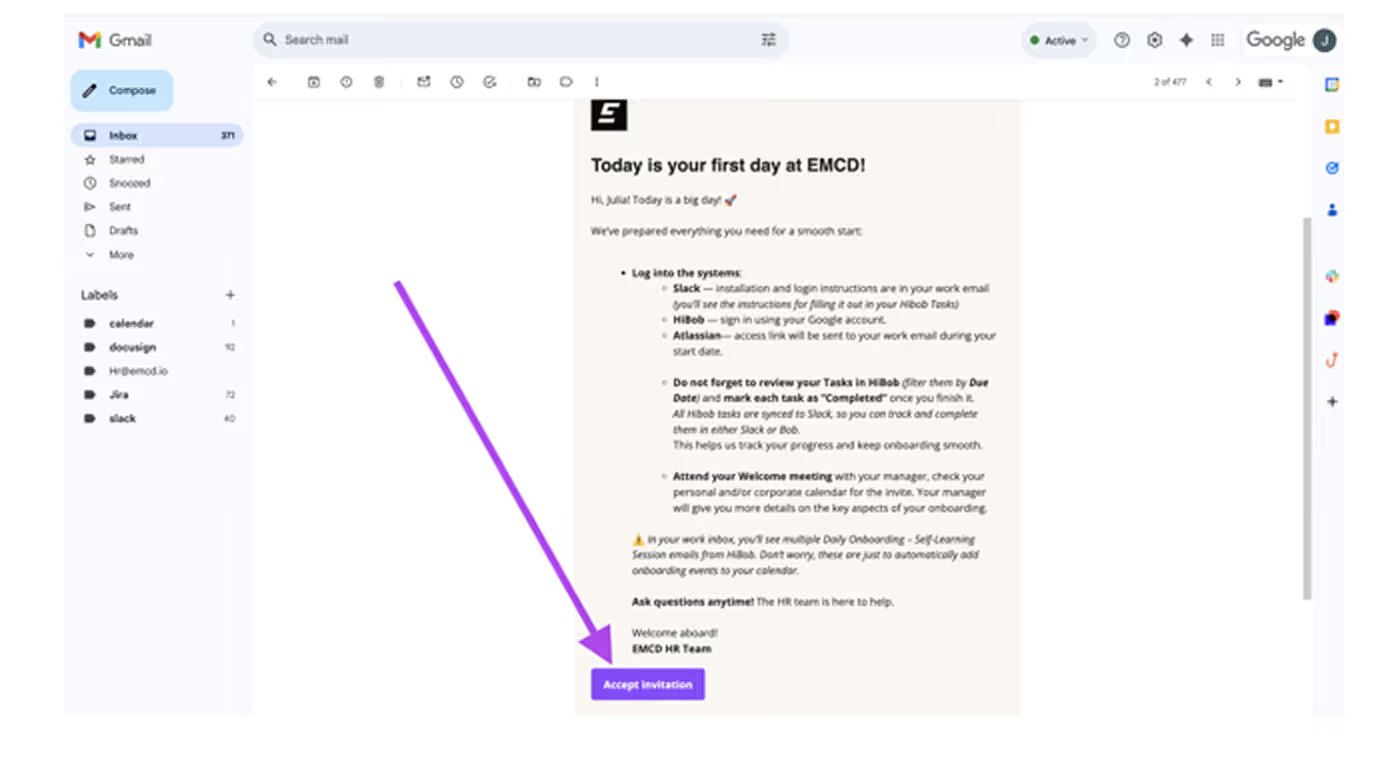
Accept the invitation from the email
Open your inbox and look for the message titled “Today is your first day at EMCD!”
Click Accept Invitation → Get started.
02
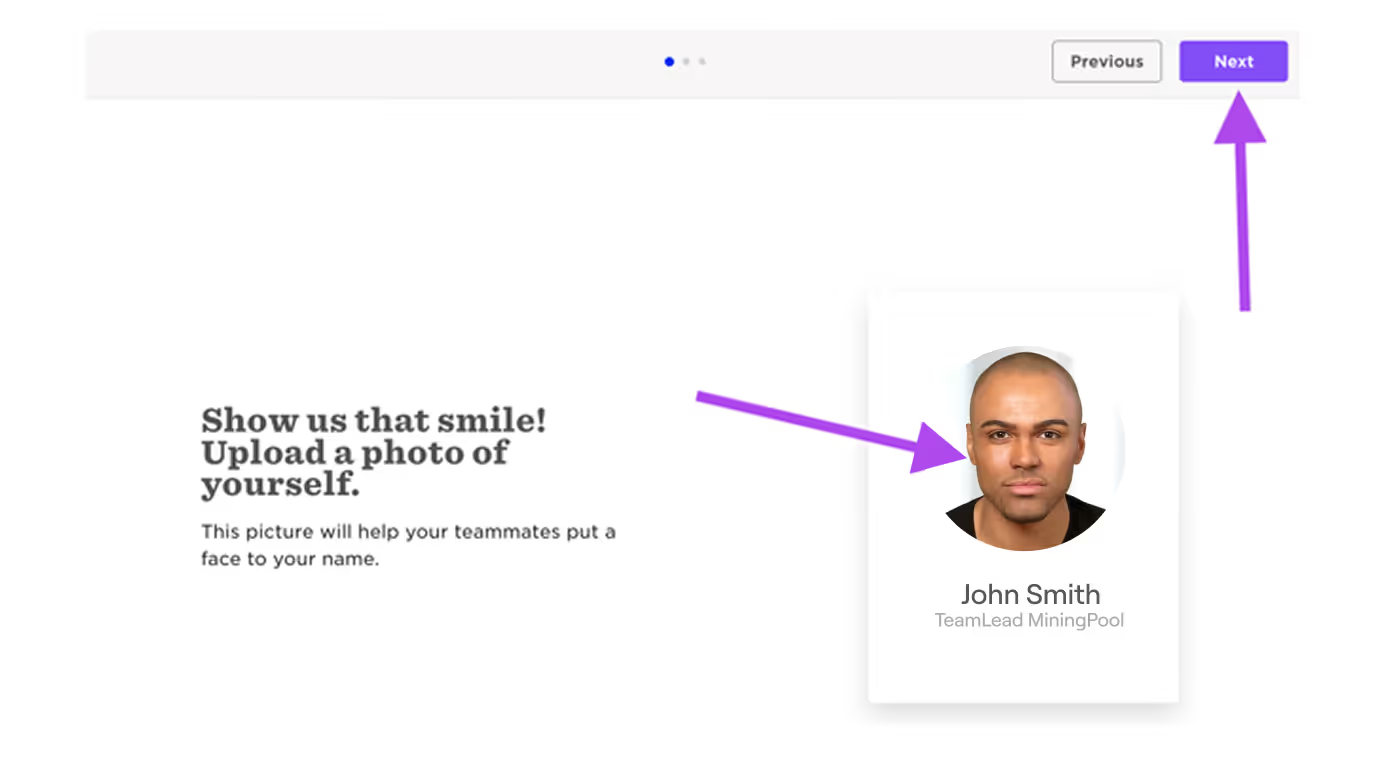
Upload your photo
- Use a photo with a light or neutral background, without filters or AI-generated images.
- Your face should be clearly visible in the photo. No sunglasses or other obscuring objects should be present.
03
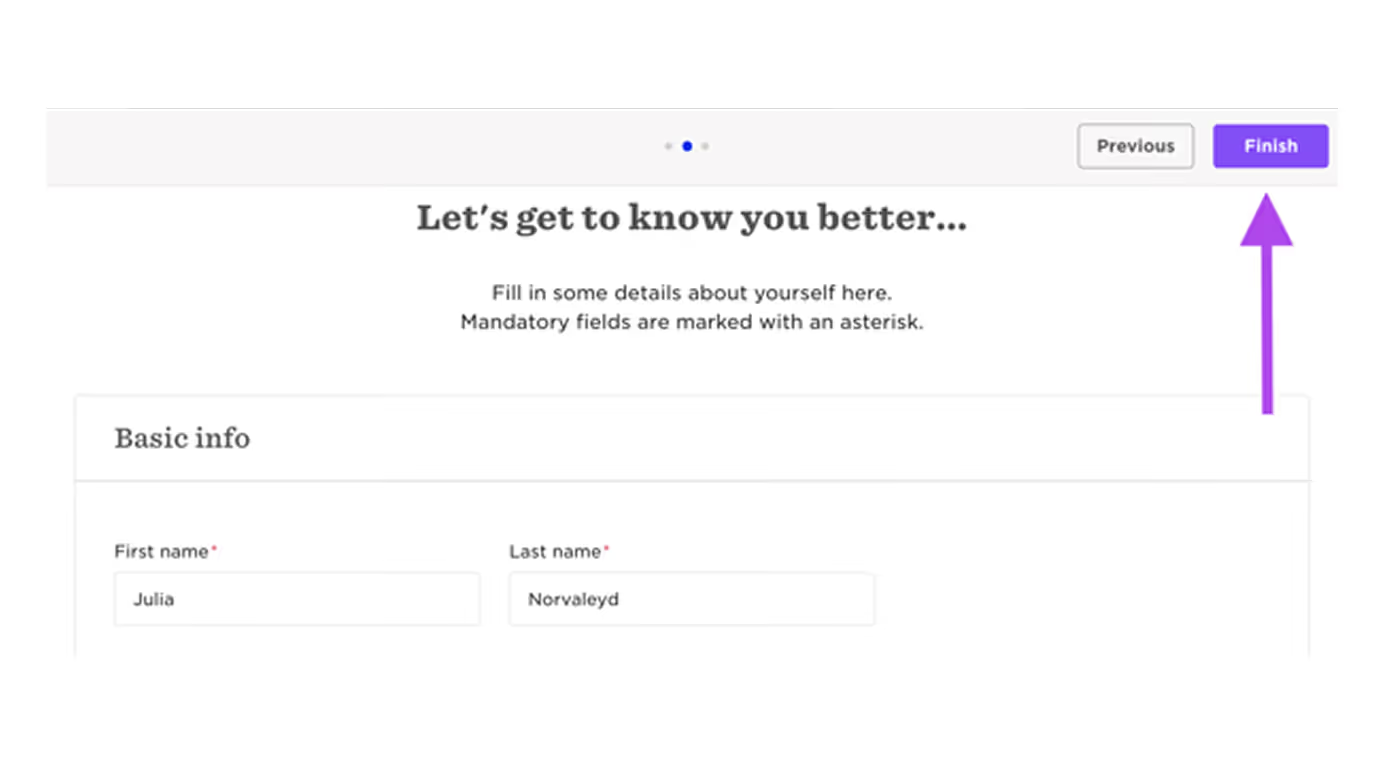
Fill out your profile
Don’t change your first or last name, they’re already set correctly.
Just add the info you’re missing:
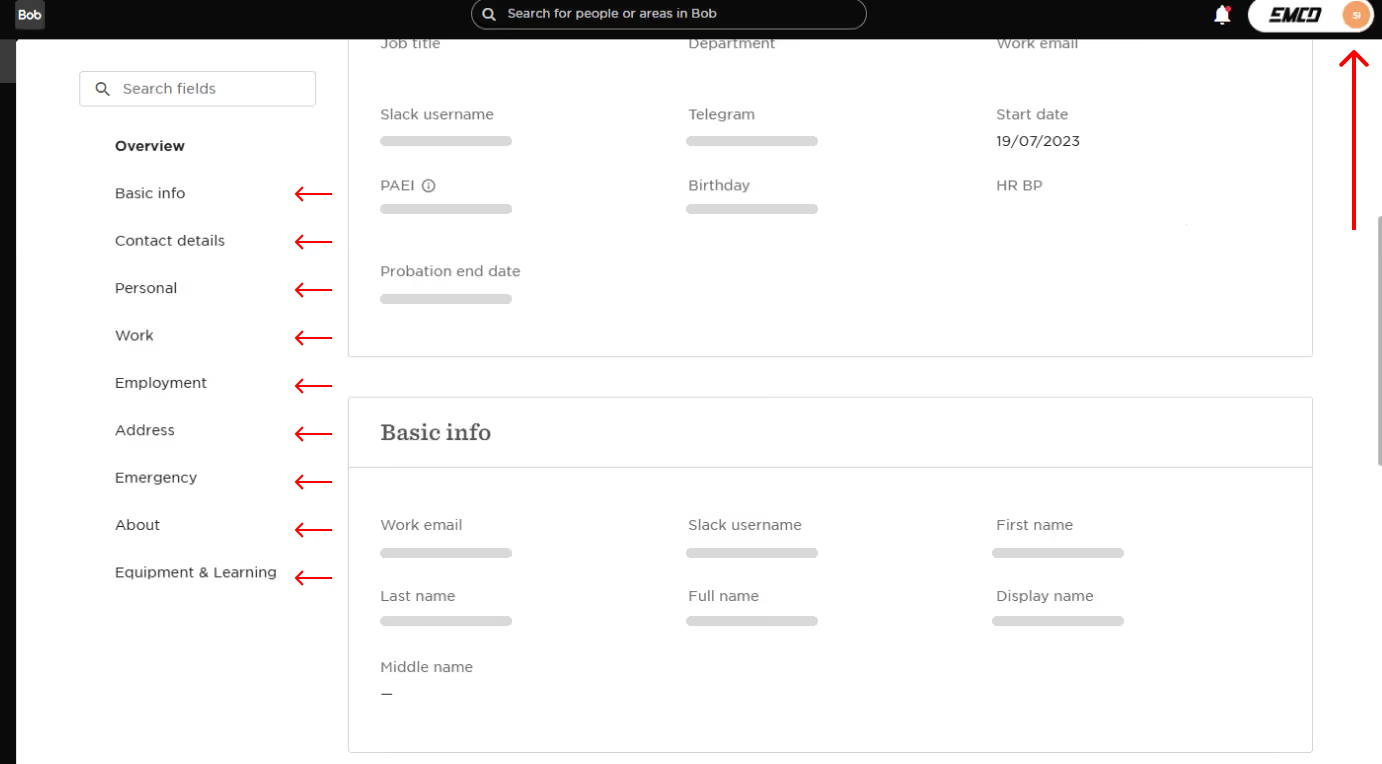
Field
What to set
Field
Mobile phone number
What to set
Your emergency contact phone number
Field
Date of birth
What to set
So we can wish you a happy birthday
Field
Emergency contact
What to set
A contact person we can reach out to if needed
Field
Address
What to set
Add your country and city of residence
Field
Languages
What to set
List all the languages you speak. It’s super important in our international team.
04
Click Finish